
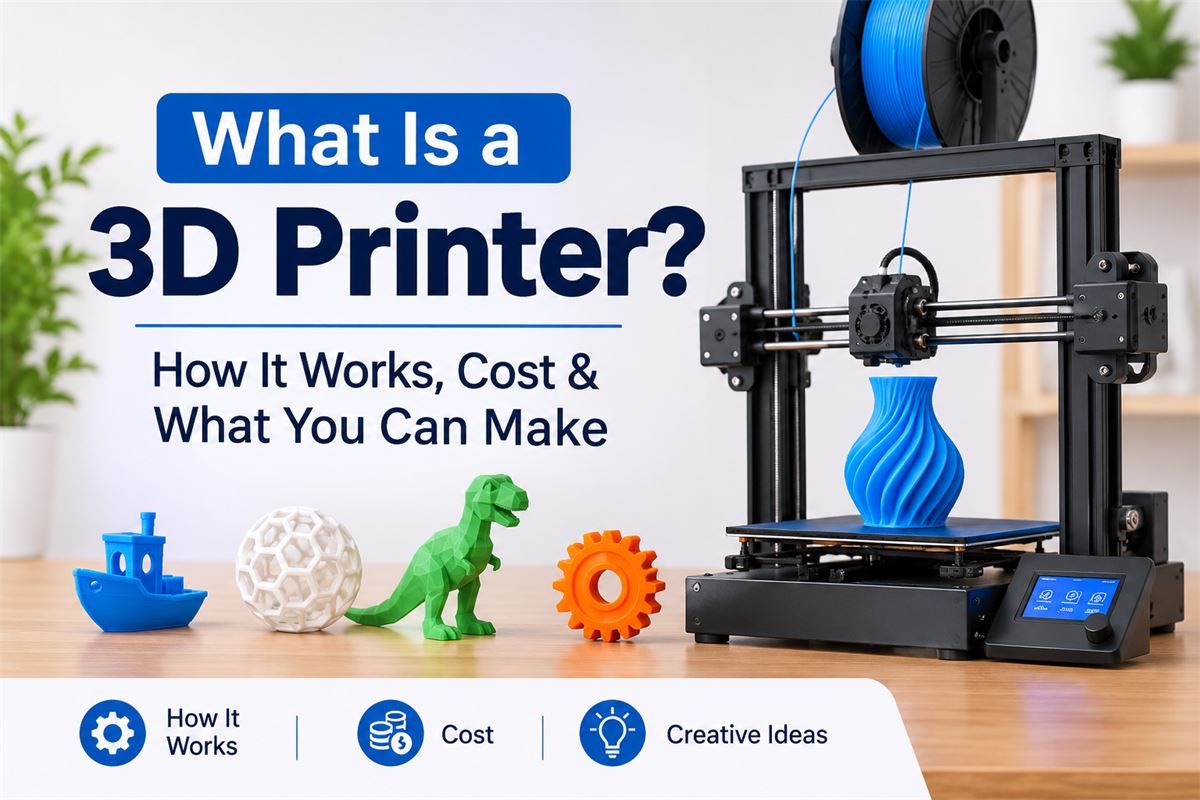
What Is a 3D Printer? How It Works, Cost & What You Can Make
Imagine creating a phone stand, a replacement drawer handle, a miniature model or even a custom-designed tool at home without buying a ready-made product. This is what a 3D printer makes possible.
Unlike a traditional printer that puts ink on paper, a 3D printer creates physical objects from digital designs. It builds an object layer by layer using materials such as plastic filament or liquid resin.
3D printing is no longer limited to factories and engineering laboratories. It is now used by hobbyists, students, designers, small businesses and manufacturers. Affordable desktop machines have also made it possible for beginners to experiment with creating their own products.
In this guide, we will explain what a 3D printer is, how it works, the different types, how much it costs, what materials it uses and what you can realistically make with one.
What Is a 3D Printer?
A 3D printer is a machine that creates three-dimensional objects from a digital design. The process is called 3D printing or additive manufacturing because the machine adds material in multiple thin layers until the complete object is formed.
For example, imagine you want to make a small plastic phone stand. First, you create or download its 3D design. The printer then follows that design and builds the stand layer by layer until it becomes a physical object.
This is different from traditional manufacturing, where a product may be created by cutting, drilling or removing material from a larger piece.
How Is a 3D Printer Different from a Normal Printer?
| Feature | Normal Printer | 3D Printer |
|---|---|---|
| Output | Text and images on paper | Physical three-dimensional objects |
| Material | Ink or toner | Plastic filament, resin and other materials |
| Input | Document or image file | 3D digital model |
| Process | Prints on a flat surface | Builds objects layer by layer |
| Examples | Documents, photos and labels | Models, holders, prototypes and components |
How Does a 3D Printer Work?
A 3D printer follows a digital design and converts it into a physical object. Although different printer technologies work in different ways, most beginner-friendly machines follow a similar process.
Step 1: Create or Download a 3D Design
Every 3D print begins with a digital model. You can create your own design using 3D modelling software or download an existing design from an online model library.
Beginners can explore tools such as:
- Tinkercad: A beginner-friendly tool for creating simple 3D objects.
- Autodesk Fusion: Useful for designing mechanical parts and more detailed models.
- Blender: Suitable for creative models, characters and complex shapes.
Step 2: Prepare the Design Using Slicing Software
A 3D model cannot usually be sent directly to the printer. It first needs to be processed using software called a slicer.
The slicer divides the model into many thin horizontal layers and generates machine instructions. These instructions tell the printer where to move, how much material to use and how each layer should be created.
Popular slicing applications include Cura, PrusaSlicer and Bambu Studio.
Step 3: Load the Printing Material
The material depends on the type of printer you use.
An FDM printer uses a spool of plastic filament. A resin printer uses liquid photosensitive resin. The printer prepares this material for the printing process.
Step 4: Print the Object Layer by Layer
The printer follows the instructions generated by the slicer. An FDM printer heats plastic filament and pushes it through a nozzle. The nozzle deposits the material onto the build plate in thin layers.
Each new layer joins the previous one. This process continues until the entire object is created.
Step 5: Remove and Finish the Printed Object
Once printing is complete, the object can be removed from the printer. Depending on the design and material, you may need to remove support structures, trim rough edges or sand the surface.
Resin prints also require appropriate washing and UV curing according to the resin manufacturer's instructions.
What Are the Different Types of 3D Printers?
Not all 3D printers use the same technology. Some are designed for affordable home projects, while others are built for detailed models or industrial manufacturing.
1. FDM 3D Printers (Filament Printers)
FDM stands for Fused Deposition Modeling. It is one of the most common technologies used in home and desktop 3D printers.
It works by heating a plastic filament and depositing it through a nozzle, building the object one layer at a time.
Best for:
- Phone stands and desk accessories.
- Storage organisers and household holders.
- Mechanical prototypes and simple replacement parts.
- Educational and hobby projects.
Advantages: Relatively affordable materials, a wide range of filament options and a practical learning curve.
Limitations: Visible layer lines may remain on the surface, and very small details can be harder to reproduce.
2. Resin 3D Printers (SLA, DLP and MSLA)
Resin printers use liquid photosensitive resin that hardens when exposed to a specific light source. They are commonly used when fine details and smooth surface finishes are important.
Best for:
- Miniature models and figurines.
- Detailed jewellery prototypes.
- Small decorative objects.
- Highly detailed model-making projects.
Advantages: Excellent detail and smooth surface finishes.
Limitations: Resin requires careful handling, suitable ventilation, protective equipment and additional cleaning and curing steps. It is not necessarily the easiest choice for a beginner.
3. Industrial 3D Printers
Industrial machines are designed for professional manufacturing, engineering and specialised applications. Depending on the technology, they can use plastic, resin, nylon powder or metal materials.
Common industrial technologies include:
- SLS: Uses a laser to fuse powder material, often nylon.
- MJF: Uses agents and heat to fuse powder into solid objects.
- Metal 3D printing: Creates metal components using specialised industrial processes.
These machines are generally much more expensive and require specialised equipment, training and operating environments.
FDM vs Resin vs Industrial 3D Printers
| Feature | FDM | Resin | Industrial |
|---|---|---|---|
| Material | Plastic filament | Liquid resin | Powder, resin, metal and others |
| Detail | Good for general objects | Very high detail | Depends on technology |
| Beginner suitability | High | Moderate | Low |
| Typical use | Home projects and prototypes | Miniatures and detailed models | Professional manufacturing |
| Operating complexity | Relatively simple | Requires extra handling | Specialised |
What Materials Does a 3D Printer Use?
The material used depends on the printing technology and the purpose of the object.
PLA (Polylactic Acid)
PLA is one of the most popular materials for beginners. It is relatively easy to print and is suitable for decorative objects, models, organisers and simple household accessories.
PETG
PETG is often selected when a project needs more toughness and flexibility than ordinary PLA. It is useful for functional parts and some household applications.
ABS
ABS is a tougher plastic that can offer better heat resistance than PLA. However, it is more challenging to print and may require an enclosed printer and suitable ventilation.
TPU
TPU is a flexible material used for objects such as grips, protective covers and flexible components. It can require more careful printer settings.
Resin
Resin is used in resin-based printers to create detailed objects. Different formulations are available for standard, flexible, tough and specialised applications.
Important: A printed object is not automatically food-safe, child-safe, heat-resistant or suitable for medical use. Check the exact material specifications and intended application before using a printed product.
What Can You Make with a 3D Printer?
One of the most interesting things about 3D printing is that you can create objects according to your own requirements. Here are some practical examples.
1. Home and Kitchen Accessories
- Drawer organisers.
- Small cable holders.
- Wall hooks for suitable lightweight items.
- Plant pot accessories.
- Storage dividers.
2. Mobile and Computer Accessories
- Mobile phone stands.
- Headphone holders.
- Cable organisers.
- Laptop accessories.
- Custom controller stands.
3. Toys and Decorative Items
- Miniature models.
- Desk decorations.
- Custom nameplates.
- Artistic models.
- Collectible display stands.
4. Mechanical Parts and Prototypes
- Custom brackets.
- Prototype product enclosures.
- Model gears and mechanical demonstrations.
- Replacement knobs and handles when the material and design are suitable.
5. Educational Projects
- Geography models.
- Science demonstrations.
- Mathematical shapes.
- Engineering prototypes.
- Learning models for schools and colleges.
Not every broken component should be replaced with a 3D-printed part. Parts exposed to high temperatures, heavy loads, electrical hazards or safety-critical use need proper engineering and material validation.
How Much Does a 3D Printer Cost?
The cost depends on the printer technology, build size, features, print quality and intended use. A basic desktop printer is considerably less expensive than a professional industrial machine.
For a broad international reference, entry-level hobby FDM printers commonly fall around the $150–$300 range, while more advanced desktop machines can cost several hundred dollars or more. Industrial equipment can cost thousands to hundreds of thousands of dollars.
These are indicative budget ranges, not fixed retail prices. Actual prices vary by country, taxes, shipping, promotions and availability.
Other Costs You Should Consider
| Expense | Why It Matters |
|---|---|
| Filament or resin | The main material consumed during printing. |
| Replacement nozzles | Some printers need nozzle replacement over time. |
| Build plates | May need cleaning or replacement depending on wear. |
| Electricity | Printing can take several hours, depending on the object. |
| Tools and accessories | Scrapers, cutters, storage and maintenance supplies may be required. |
| Post-processing | Resin printing may require washing and curing equipment. |
For India, check local sellers and the manufacturer's authorised distributors for the current delivered price, warranty, spare parts and filament availability. Do not compare an overseas product price with an Indian retail price without considering import charges and support.
Is a 3D Printer Worth Buying for Home Use?
A 3D printer can be a useful purchase if you enjoy designing, making things, experimenting or creating customised products.
It may be worth considering if:
- You regularly create models or prototypes.
- You enjoy DIY and home improvement projects.
- You want to learn product design or 3D modelling.
- You need customised accessories that are difficult to find.
- You want to explore a small product-design or prototyping business.
However, it may not be a good purchase if you only need one or two printed objects. In that situation, using a local 3D printing service could be cheaper than buying and maintaining a machine.
Can You Make Money with a 3D Printer?
Yes, some people use 3D printing to create customised products and provide prototyping services. However, buying a printer does not automatically create a profitable business.
Possible business ideas include:
- Custom nameplates: Personalised desk and home nameplates.
- Custom organisers: Storage accessories designed for specific spaces.
- Prototype services: Helping designers and small businesses test product designs.
- Educational models: Creating science and engineering demonstration models.
- Personalised gifts: Custom decorative products and display items.
Before selling a design, check its copyright and commercial-use licence. Also calculate material consumption, failed prints, machine wear, finishing time, packaging and delivery costs. Profit depends on the complete cost of producing and selling each item.
What Should Beginners Check Before Buying a 3D Printer?
If you are planning to buy your first machine, do not choose only by the advertised printing speed or lowest price.
- Printing technology: Decide whether FDM or resin suits your projects.
- Build volume: Check the maximum object size the machine can print.
- Automatic bed levelling: This can make initial setup easier.
- Material compatibility: Check which filament or resin types the printer supports.
- Software: Make sure the slicing software is accessible and suitable for your computer.
- Maintenance: Check whether nozzles, build plates and other spare parts are available.
- Customer support: Look for warranty coverage and accessible technical support.
- Safety: Consider ventilation, temperature, moving parts and material handling.
For most people learning 3D printing at home, an entry-level FDM printer using PLA is a sensible starting point. Resin machines are worth considering when fine detail is the main priority and you can manage the extra safety and post-processing requirements.
Is 3D Printing Difficult to Learn?
Getting started with basic 3D printing is easier than many people expect. You do not need to know advanced engineering or create every design yourself.
A beginner can start by downloading a ready-made model, opening it in slicing software, selecting a suitable material profile and sending it to the printer.
However, learning to create your own designs, select print settings and fix printing problems takes practice. Common beginner issues include poor bed adhesion, stringing, clogged nozzles and incorrect material settings.
Advantages and Disadvantages of 3D Printing
| Advantages | Disadvantages |
|---|---|
| Creates customised objects | Large objects can take many hours to print |
| Useful for prototypes and experiments | Some materials and machines are expensive |
| Can reduce material waste for suitable designs | Printed surfaces may need finishing |
| Supports small-batch production | Not suitable for every material or product |
| Enables complex shapes | Requires maintenance and learning |
Frequently Asked Questions About 3D Printers
What is a 3D printer used for?
A 3D printer is used to create physical objects from digital designs. Common uses include prototypes, household accessories, educational models, miniatures and customised products.
How does a 3D printer work in simple words?
A 3D printer follows a digital design and builds an object layer by layer. It may melt plastic filament or use light to harden liquid resin, depending on the printing technology.
Are 3D printers expensive?
Not all 3D printers are expensive. Basic hobby machines can cost a few hundred dollars or less, while professional and industrial systems can cost much more. Materials and maintenance are additional expenses.
Can a 3D printer print metal?
Yes. Specialised industrial 3D printers can create metal components using technologies designed for metal additive manufacturing. Ordinary home FDM printers generally cannot print solid metal objects.
Can I use a 3D printer at home?
Yes. Desktop FDM printers are commonly used at home, in schools and in workshops. Choose a suitable location, follow the manufacturer's safety instructions and ensure proper supervision.
Which 3D printer is best for beginners?
An entry-level FDM printer is often a practical first choice because it uses relatively accessible filament materials and has a simpler workflow than resin printing. The best model depends on budget, build size, support and available features.
Do I need coding skills to use a 3D printer?
No. You can start by downloading existing 3D models and using slicing software. Coding is not required for ordinary printing, although design and modelling skills are useful as you progress.
How long does 3D printing take?
Small objects may take less than an hour, while larger or more detailed objects can take many hours or even longer. Print size, layer height, material and machine settings all affect the time.
Can I sell products made with a 3D printer?
Yes, provided you have the necessary rights to use the design and comply with relevant product safety, tax and business requirements. Calculate all production and selling costs before setting your price.
Final Thoughts
3D printing has changed how people think about creating and manufacturing products. Instead of purchasing every customised object, you can start with a digital design and create a physical item that matches your requirements.
For beginners, an FDM printer with PLA filament is often the most practical way to learn. As your experience grows, you can explore resin printing, advanced materials, custom product design and even small-business applications.
Before buying a machine, consider what you want to create, how often you will use it and the complete cost of ownership. A good printer is not necessarily the most expensive one; it is the one that suits your actual requirements.
For more technology explainers, practical solutions and buying guides, explore DrillTheDeal. You can also read our guide on how to track product price history before buying to make more informed shopping decisions.
Editorial note: Printer prices and material availability change by country and retailer. Always check the manufacturer's specifications and local seller information before purchasing.