
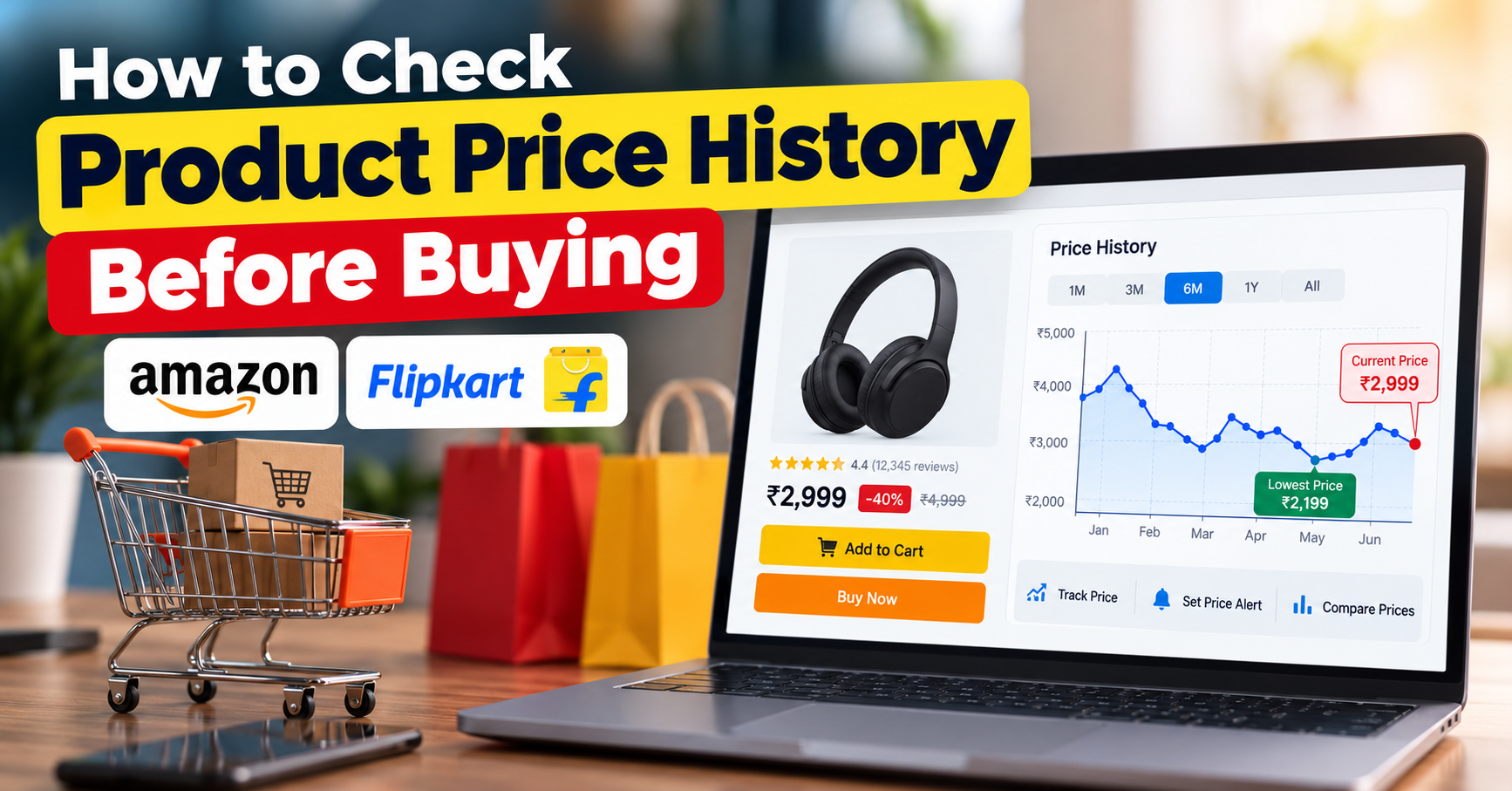
How to Track a Product’s Price History Before You Buy: Complete Guide
Have you ever purchased a product online, only to discover that its price dropped a few days later? Or have you seen a massive 60% discount during a sale and wondered whether the offer was actually worth it?
Online shopping platforms such as Amazon, Flipkart, and other e-commerce websites frequently change their prices. A product selling for ₹2,999 today might have been available for ₹2,299 last week.
This is why checking a product's price history before buying can help you make smarter shopping decisions.
Instead of trusting discount percentages or limited-time sale banners, you can look at previous prices to understand whether a deal offers genuine savings.
In this guide, we'll explain how to track product price history, explore useful price-tracking tools, and share practical tips to help you avoid overpaying while shopping online in India.
What Is Product Price History?
Product price history is a record of how an item's selling price has changed over a period of time.
It helps shoppers understand whether the current price is higher, lower, or similar to its previous selling prices.
For example, imagine you want to purchase wireless earbuds.
| Period | Product Price |
|---|---|
| Three months ago | ₹2,999 |
| Two months ago | ₹2,499 |
| Last month | ₹2,199 |
| Current sale price | ₹2,399 |
The shopping website might advertise the earbuds at 40% off their MRP.
However, the price history reveals that the same earbuds were available for ₹2,199 last month.
This means the current ₹2,399 sale price is not the lowest recorded price.
The key lesson: A big discount percentage does not always mean you are getting the best deal.
Checking previous prices gives you a clearer picture of a product's actual selling-price trends.
Why Should You Check Price History Before Buying?
Tracking product prices is one of the easiest ways to make informed purchasing decisions.
1. Identify Genuine Discounts
During major shopping events, websites promote attractive discounts on smartphones, laptops, electronics, appliances, and fashion products.
However, the advertised discount is often calculated against the MRP or another reference price.
By checking historical selling prices, you can determine whether the current offer is genuinely competitive.
2. Avoid Paying More Than Necessary
Some products experience frequent price changes.
For example, a smartphone priced at ₹24,999 today might occasionally sell for ₹22,999.
If you are not in a hurry, tracking its price could help you purchase it during a better offer.
3. Find the Best Time to Buy
Historical price charts can reveal recurring price drops.
You might notice that a particular product becomes cheaper during major shopping events or promotional periods.
Although previous trends cannot guarantee future discounts, they can help you decide whether waiting is worthwhile.
4. Compare Different Shopping Websites
The same product can have different prices across Amazon, Flipkart, and other online stores.
Price tracking and comparison help you identify competitive offers without checking every website manually.
5. Set Alerts Instead of Checking Prices Daily
Some price-tracking services allow you to receive notifications when a product reaches your preferred price.
This saves time and reduces the temptation to purchase something simply because a sale banner appears.
How to Track Product Price History Before Buying
There are several ways to check a product's previous selling prices.
Let's explore the easiest methods.
Method 1: Check Amazon Price History Using Keepa
Keepa is a well-known price-tracking service that provides historical pricing information for many products listed on Amazon.
It is especially useful for shoppers who frequently purchase electronics, gadgets, accessories, and household products.
Step 1: Open Keepa
Visit the official website:
You can explore its supported marketplaces and available price-tracking features.
Step 2: Find Your Product on Amazon
Open Amazon and search for the product you want to purchase.
For example, you might search for a smartphone, Bluetooth speaker, smartwatch, or laptop.
Copy the product page URL.
Step 3: Check the Product's Price Chart
Use Keepa's supported product search or tracking features to find the item.
Depending on the marketplace and available data, you may see a chart showing historical prices.
You can examine different time periods to understand how the price has changed.
Step 4: Identify the Lowest Price
Look for the lowest recorded selling price and compare it with the current price.
For example:
-
Current price: ₹18,999
-
Lowest recorded price: ₹16,999
-
Difference: ₹2,000
If the product regularly drops near ₹16,999, waiting for another promotion might be worthwhile.
Step 5: Create a Price Alert
Where supported, set your desired purchase price.
The service can notify you when its tracked price meets your target.
Important: Keepa's features, data coverage, and availability may differ between Amazon marketplaces. Some features may require an account or paid access.
Method 2: Track Flipkart and Amazon Prices Using Indian Price Trackers
If you frequently shop on Indian e-commerce websites, you can also explore price-tracking services designed for the Indian market.
One example is BuyHatke, which offers shopping-related price comparison and tracking features.
Visit:
How to Use an Indian Price Tracker
Step 1: Open the product page on Amazon or Flipkart.
Step 2: Copy the product link.
Step 3: Open a compatible price-tracking service or browser extension.
Step 4: Search for the product or use the supported link-tracking feature.
Step 5: Review the available historical pricing information.
Step 6: Compare the current price with previous prices before making your decision.
Some tools also provide price-drop alerts and shopping comparisons.
However, support varies by website, product, and tool version. Always check whether the displayed information is recent and whether it matches the exact product variant.
Method 3: Use Browser Extensions to Monitor Product Prices
Browser extensions can make price tracking more convenient.
Instead of visiting a separate website every time, a compatible extension may display pricing information while you browse supported shopping websites.
Popular options to explore include:
-
Keepa
-
BuyHatke
-
Other reputable price-comparison extensions
How to Get Started
-
Open your browser's official extension store.
-
Search for the price-tracking extension.
-
Verify its publisher, permissions, and recent reviews.
-
Install the extension.
-
Visit a supported product page.
-
Check whether a price-history chart or tracking option is available.
Browser extensions can save time, especially if you regularly compare several products.
Safety tip: Install extensions only from trusted sources. Review their requested permissions and avoid tools that demand unnecessary access to your browsing activity or personal information.
Method 4: Set Price Drop Alerts for Products
If you do not need a product immediately, price-drop alerts can be more useful than checking prices every day.
Many tracking services allow you to set a target price for a product.
For example, suppose you want to buy a smartwatch.
Current price: ₹4,999
Your preferred price: ₹3,999
You can set an alert for ₹3,999 using a compatible price tracker.
If the tracked price reaches your target, the service may notify you through email, an app, or another supported notification method.
Tips for Setting a Good Target Price
-
Check the product's previous lowest price.
-
Compare prices across trusted retailers.
-
Consider whether the product is likely to receive discounts.
-
Set a realistic target instead of expecting an unusually large price drop.
-
Remember that alerts may not include delivery charges or payment-specific offers.
Price alerts are especially helpful for non-urgent purchases such as headphones, monitors, smartwatches, and home appliances.
How to Read a Product Price History Chart
A price history chart might look complicated initially, but understanding it is relatively simple.
Most charts contain two important elements.
Horizontal axis: Shows time, such as days, weeks, or months.
Vertical axis: Shows the product's selling price.
The line on the chart indicates how the recorded price changed over time.
Example of Price History
Imagine a Bluetooth speaker has the following price records:
| Month | Price |
|---|---|
| January | ₹3,499 |
| February | ₹3,299 |
| March | ₹2,799 |
| April | ₹3,199 |
| May | ₹2,599 |
| June | ₹2,999 |
The lowest recorded price in this example is ₹2,599.
If the current price is ₹2,999, you know that the product has previously been available for ₹400 less.
However, this does not guarantee that it will return to ₹2,599.
Prices can change due to stock availability, seller competition, product demand, and promotions.
Also, check whether the chart tracks the same seller type and product condition. New, used, refurbished, and third-party listings may have different price histories.
How to Identify Fake or Misleading Discounts
Large discount percentages can attract shoppers, but they do not always reflect the best available selling price.
Consider this example:
MRP: ₹9,999
Advertised sale price: ₹4,999
Displayed discount: 50%
At first glance, the offer looks impressive.
But suppose the product was regularly available for ₹4,799 before the sale.
The current price would actually be ₹200 higher than that earlier selling price.
This does not automatically mean the seller has violated any rule. It simply demonstrates why comparing against MRP alone can be misleading.
What Should You Check?
Previous selling price: Was the product genuinely more expensive before the sale?
Lowest recorded price: Has the item sold for less in the past?
Price on competing websites: Is another trusted retailer offering a better deal?
Additional charges: Are shipping fees or other charges included?
Seller reputation: Is the seller reliable, and is the warranty valid?
A genuine bargain should offer good overall value, not just an impressive-looking discount percentage.
Best Time to Buy Products Online in India
Indian shoppers often look forward to major shopping festivals because they can offer competitive prices on popular products.
Some well-known events include:
-
Amazon Great Indian Festival
-
Flipkart Big Billion Days
-
Amazon Prime Day
-
Independence Day sales
-
Republic Day sales
-
Diwali and festive-season promotions
These events can provide opportunities to purchase electronics, appliances, and other products at reduced prices.
However, not every product reaches its lowest price during a major sale.
Sometimes a regular promotional offer or a limited-time deal may be better.
The smarter approach is to track the price before the sale begins.
For example, if you plan to buy a television during a festive sale, start checking its price several weeks in advance.
This will help you compare the advertised sale price with its earlier selling prices.
How to Calculate Your Actual Savings
Price history is useful, but the final amount you pay matters even more.
Suppose a laptop is listed at ₹54,999.
You receive:
-
Bank discount: ₹3,000
-
Coupon discount: ₹1,000
-
Delivery charges: ₹0
Your final purchase price becomes:
₹54,999 − ₹3,000 − ₹1,000 = ₹50,999
Now compare that amount with the laptop's previous prices and available offers.
Remember that bank discounts may require specific cards, minimum transaction amounts, or other eligibility conditions.
Cashback might also arrive later rather than reducing the amount paid at checkout.
Always read the offer terms before calculating your savings.
Common Mistakes to Avoid When Tracking Prices
Even experienced online shoppers can make mistakes while checking product price history.
Comparing Different Product Variants
A smartphone with 128GB storage may cost less than its 256GB version.
Always compare the same model, storage capacity, colour, and product condition.
Ignoring Seller and Warranty Details
A cheaper listing is not necessarily better if it comes from an unreliable seller or lacks an appropriate warranty.
Trusting Incomplete Historical Data
Some price trackers may not have complete records for every product.
A chart's lowest recorded price means the lowest price within the available tracking data, not necessarily the lowest price ever offered anywhere.
Waiting Forever for the Lowest Price
Prices do not always return to previous lows.
If the current price fits your budget and you need the product, waiting indefinitely may not be practical.
Ignoring the Final Checkout Price
Coupons, shipping charges, bank offers, and cashback conditions can affect the actual amount you pay.
Compare final eligible prices rather than relying only on product listing prices.
Smart Shopping Tips to Save More Money
Checking price history is a great starting point, but combining it with other shopping habits can improve your chances of saving money.
First, compare the same product across multiple trusted shopping websites.
Second, use price alerts for products you are planning to buy in the coming weeks or months.
Third, check bank offers and coupons, but verify their eligibility and conditions.
Fourth, read genuine customer reviews and check product specifications before purchasing.
Finally, avoid buying unnecessary products simply because they are advertised at a large discount.
You can also explore shopping deals, buying guides, and promotional offers on DrillTheDeal.com to discover products and compare available offers.
The goal should always be to buy the right product at a reasonable price, rather than chasing every discount.
Frequently Asked Questions (FAQs)
1. How can I check a product's price history on Amazon?
You can use compatible price-tracking tools such as Keepa to review available historical pricing data for Amazon products. Coverage and features depend on the marketplace and product.
2. How do I check Flipkart price history?
You can explore Indian shopping price trackers that support Flipkart. Search for the exact product or use its link with a compatible tool to view available historical prices.
3. Is it free to track product prices?
Some price-tracking services provide free features, while others charge for advanced functionality. Check the tool's current pricing and feature availability before using it.
4. Can I receive alerts when a product price drops?
Yes. Some price-tracking services allow you to set a target price and receive notifications when the tracked price reaches that level.
5. Is the lowest price shown by a tracker always accurate?
Not necessarily. Price trackers depend on the information they collect. Their historical records may be incomplete, delayed, or limited to specific sellers and marketplaces.
6. Should I always wait for the lowest recorded price?
No. The lowest recorded price may never return. Consider your budget, how urgently you need the product, its current availability, and whether the present offer represents good value.
7. Can price history help during Amazon and Flipkart sales?
Yes. Checking historical prices before major shopping events helps you compare sale offers with earlier selling prices and make better purchasing decisions.
Final Thoughts
Learning how to track product price history before buying can help you shop more confidently and avoid spending more than necessary.
Instead of relying only on advertised discounts, take a few minutes to review historical prices, compare trusted sellers, and calculate the final checkout amount.
Tools such as Keepa and compatible Indian price trackers can make this process easier, although their coverage and features may vary.
Whether you are purchasing a smartphone, laptop, smartwatch, television, or everyday household item, a little price research can make a meaningful difference.
Before clicking the Buy Now button, check the price history. A great deal is about real value, not just a big discount label.
For more shopping tips, product buying guides, and online deals, visit DrillTheDeal.com.
Disclosure: Some shopping links on DrillTheDeal may be affiliate links. We may earn a commission on qualifying purchases at no additional cost to you.